
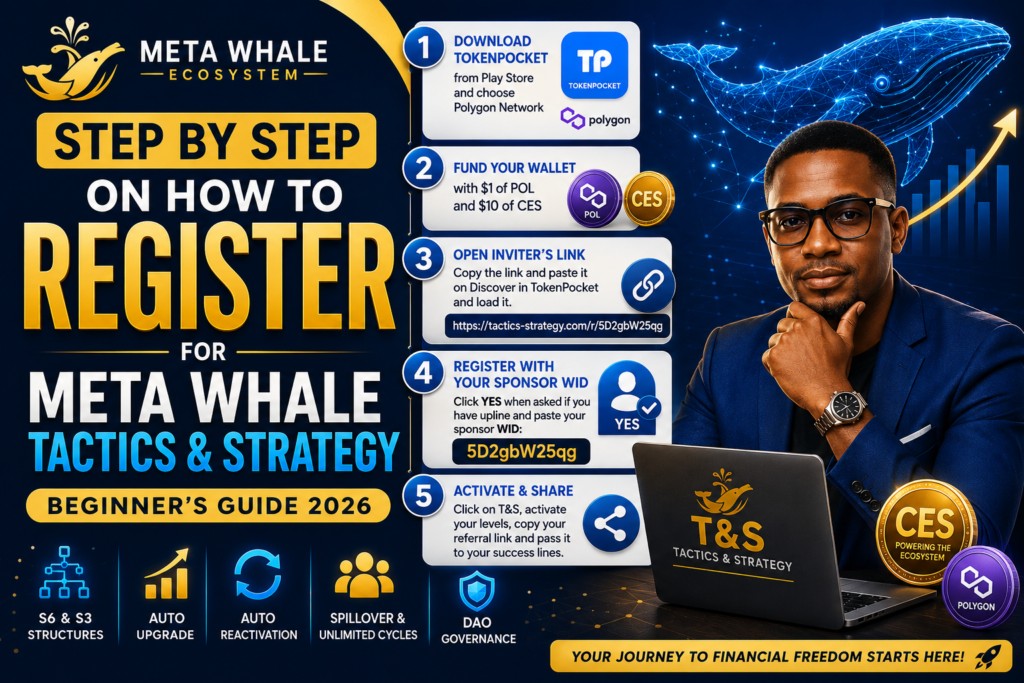
Ready to join the Meta Whale Tactics & Strategy (T&S) platform? Follow this simple beginner-friendly guide to register, activate your levels, and start building your team.
✅ Step 1: Download TokenPocket Wallet
Download TokenPocket Wallet from the Google Play Store.
After installation:
- Create or import your wallet.
- Select the Polygon Network.
✅ Step 2: Fund Your Wallet
Make sure your TokenPocket wallet has:
- $1 worth of POL for Polygon gas fees.
- $10 worth of CES for Tactics & Strategy activation.
✅ Step 3: Open Your Inviter’s Link
Copy your inviter’s registration link:
Open TokenPocket, go to Discover, paste the link, and load the website.
✅ Step 4: Register with Your Sponsor WID
The system will ask whether you have an upline.
Click Yes and paste your sponsor WID:
5D2gbW25qg
Then follow the on-screen instructions to complete your registration.
✅ Step 5: Activate T&S Levels
After registration:
- Click on T&S.
- Activate your preferred levels.
- Copy your own referral link.
- Share it with your Success Lines and start building your Tactics & Strategy team.
🎓 Need Help Registering?
ApexWeb3 Academy
📞 WhatsApp: +234 803 822 5748
🌐 Website: https://apexweb3academy.com
⚠️ Disclaimer: This guide is for educational purposes only and is not financial advice. Always do your own research before participating in any blockchain project.